Maps Lead Finder
Find local business leads from Google Maps

 Use case for agencies
Find, enrich, organize, and export targeted business leads for your agency and client campaigns.
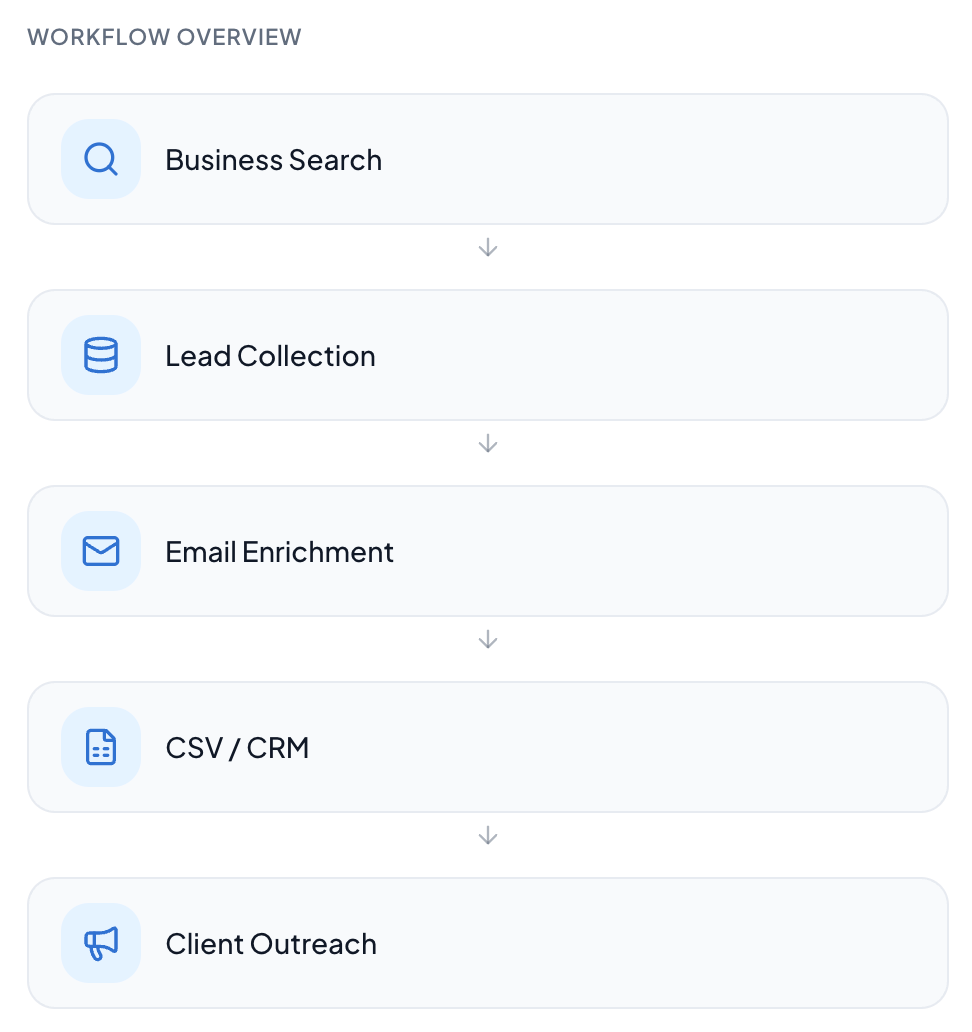
Agencies rarely run one prospecting campaign. They run the same process again and again for every client, every vertical, and every location — usually with spreadsheets stitched together by hand.

Every client brief starts with a fresh search for businesses that fit a niche and a location.

Raw results must be reviewed and shaped into a list a campaign can actually use.

Contact details are scattered, so records need enrichment before outreach can begin.

Lists have to be exported, handed over, and then rebuilt for the next client account.
Insane Algo keeps discovery, enrichment, organization, and export inside a single repeatable process, so the same workflow can be reused across client accounts.
Search businesses by keyword and location instead of manual browsing.
Keep collected business information in a structured, reviewable format.
Enrich records with available business email information where supported.
Export clean CSV files ready for spreadsheets, CRM systems, and campaigns.

Find businesses by keyword and location.

Find available business email information.

Keep business information organized.

Export leads for spreadsheets, CRM systems, and workflows.

Build multiple keyword + location searches.

Connect lead data with external workflows where supported.
Pick the product that matches where your leads come from.
Search a location and category, export a structured list with contact fields.
Get Maps Lead Finder, WA Harvest, and CardScan AI together at a fraction of the individual cost.
Set up keyword and location searches, review results, and export a clean CSV.
Select accessible groups, remove duplicates, and export structured contact data.
Capture cards, review extracted fields, and add context before exporting.
Common questions about agencies with Insane Algo.
Agencies can define a client’s target industry and location, search for matching businesses, review the collected records, enrich available email information, and export the result as a structured CSV for campaign use.
Yes. Map Lead Finder is built around keyword and location searches, so lists can be scoped to a specific city, area, or business category for each client.
Email enrichment can find available business email information for collected records. Not every business will have discoverable email information, so enrichment is best treated as an improvement to a list rather than a guarantee.
Yes. Collected lead data can be exported as CSV files that open in spreadsheets and can be imported into most CRM systems.
Yes. Searches can be organized per client, vertical, or location, and each list can be exported separately so deliverables stay clean.
Use one consistent process for prospecting, enrichment, and delivery across every client account.