Maps Lead Finder
Find local business leads from Google Maps

 Use case for events
Turn business cards collected at conferences, meetings, and networking events into organized digital contacts.
A good event produces a stack of cards — and then that stack sits on a desk while the conversation goes cold.

Cards pile up across days and events with no order to them.

Details get retyped one card at a time, if they get typed at all.
Cards go missing before anyone gets to them.
By the time the list exists, the conversation is already stale.
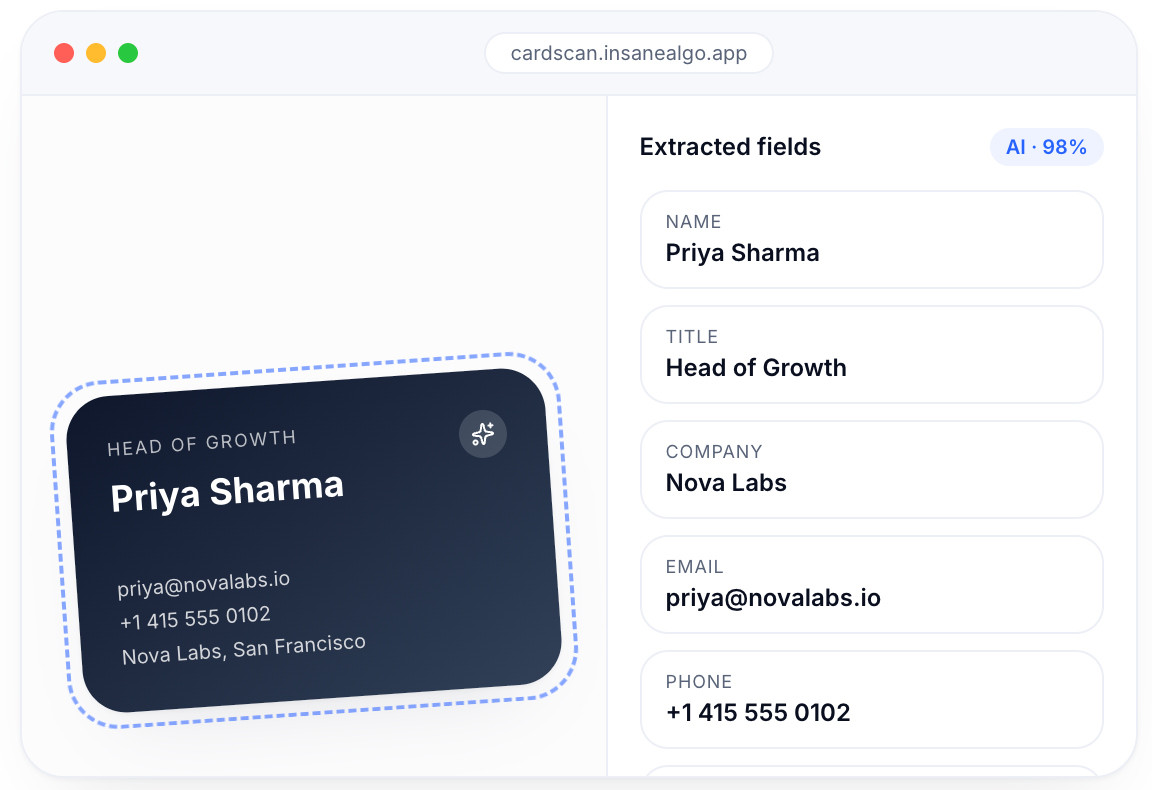
CardScan AI captures the card, extracts the fields it supports, and keeps everything reviewable before it leaves the app.
Capture cards as you collect them, not weeks later.
Extracted fields are shown for review, so mistakes are caught early.
Add context such as event name and follow-up priority.
Export organized contacts to CSV or your CRM.
The contact’s name as printed on the card.
The organization the contact represents.
Job title or role.
The email address printed on the card.
Phone numbers listed on the card.
The business address where present.
Where the contact was collected.
Additional fields you define for your workflow.
Custom fields keep the story behind each contact attached to the record.
CardScan AI digitizes business cards into structured contact records with review, custom fields, and CSV export.
CardScan AI
AI Contact Extraction
Bulk Card Scanning
Bring Your Own Key
Lifetime license for future updates
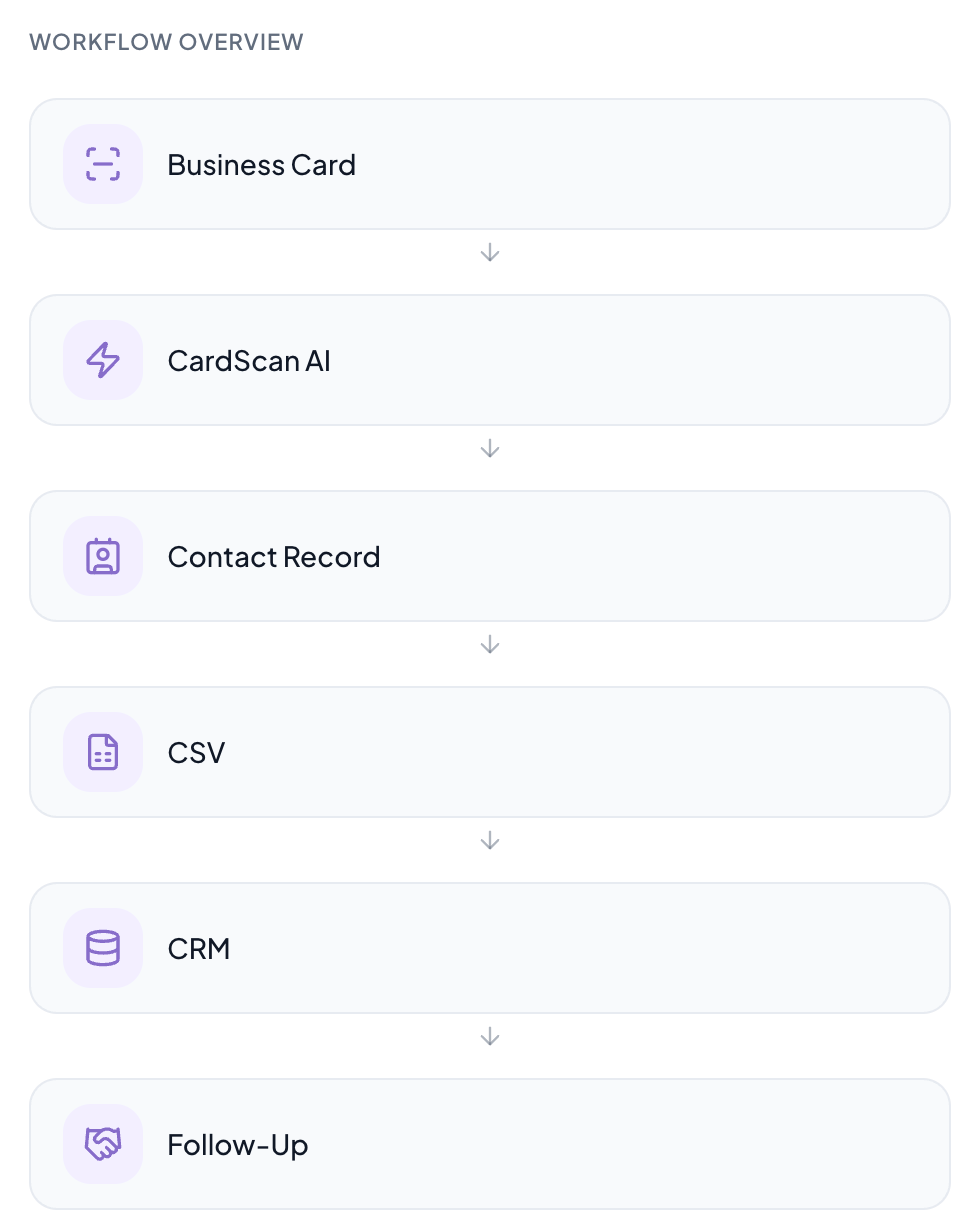
Capture a card, review extracted fields, add custom context, and export.
Common questions about agencies with Insane Algo.
Business card scanning captures a physical card and converts the printed details into a structured digital contact record you can review and store.
Yes. CardScan AI extracts supported fields such as name, company, designation, email, phone, and address into a contact record.
Yes. Contacts can be exported as structured CSV files for spreadsheets and CRM imports.
Yes. Custom fields let you attach context such as event name, follow-up priority, project, LinkedIn, or notes to each contact.
Yes. Cards can be captured one after another and collected into the same organized contact list.