

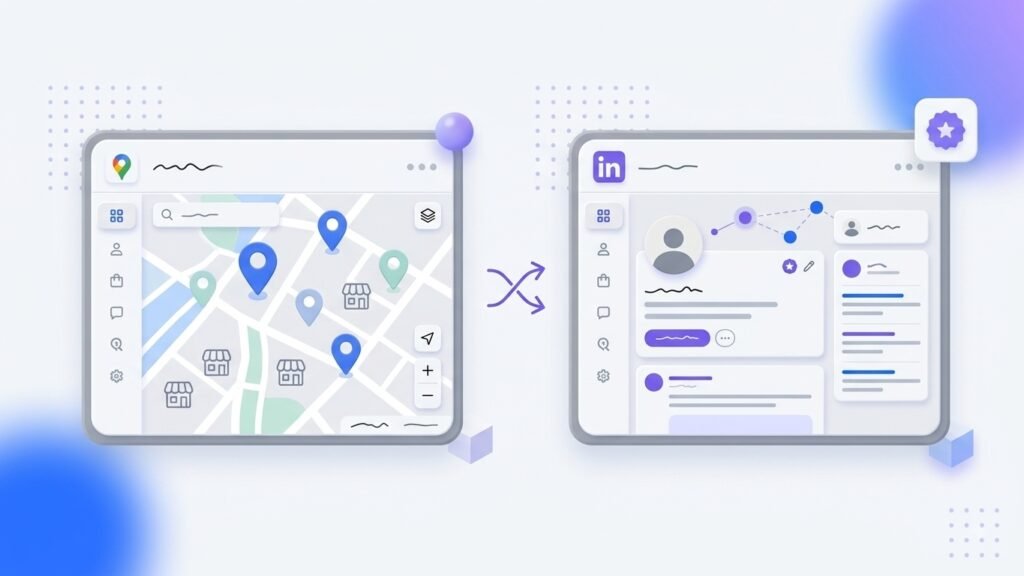
Google Maps and LinkedIn solve different research problems. Google Maps is useful when you need to discover businesses in a place. LinkedIn is useful when you need to understand companies, roles, and people.
The better source depends on what you need first. If your offer is local and category-based, start with business discovery. If your offer depends on reaching a specific role at a defined account, start with account and stakeholder research.
Use this Google Maps vs LinkedIn for B2B lead generation comparison to separate two jobs: Google Maps lead generation for local business discovery and LinkedIn account research for person and role context.
In This Guide
Google Maps Is Best for Place-First Business Discovery
Google Maps is useful when your target is defined by business type and geography. A local service provider, agency, supplier, or consultant may need to find businesses in a city, suburb, or service area before identifying the right person to contact.
A Maps search can provide visible listing context such as business name, category, location, website, phone number, reviews, and a Google Maps link. Google explains that local results can vary based on relevance, distance, and prominence, so a search result is not a complete market list.
Google Maps works well when you need to answer questions such as:
- Which businesses in this area offer a relevant service?
- Which locations should we cover first?
- Which categories and nearby suburbs create useful results?
- Which businesses have enough visible context to review further?
It is less useful when the first requirement is a job title, reporting line, or named decision-maker.
LinkedIn Is Best for People-First Account Research
LinkedIn is useful when the target is defined by company and role. It can help you research account context, visible employees, role changes, and possible stakeholders before you begin a conversation.
For structured B2B account research, LinkedIn Sales Navigator offers lead and account search filters. LinkedIn also documents result-display limits, so treat its search output as a research view, not a claim of complete market coverage.
LinkedIn works well when you need to answer questions such as:
- Which roles are likely involved in this buying decision?
- Does this company have a visible team in the relevant function?
- What business context can make an introduction or message more relevant?
- Which accounts should receive deeper research first?
It is less useful for broad local-business coverage, especially where many small firms have limited or outdated profile information.
Google Maps vs LinkedIn: A Practical Decision Table
| If you need to… | Start with |
|---|---|
| Find local businesses by category and area | Google Maps |
| Build territory coverage for a location-based offer | Google Maps |
| Identify a likely buyer role at a named account | |
| Research account structure or visible stakeholders | |
| Find local business listings before deeper qualification | Google Maps |
| Add person-level context after selecting target businesses |
Neither source proves buying intent, authority, current employment, email validity, or outreach permission. Treat both as inputs to a review process.
Use Both Sources When the Workflow Calls for It
For many local B2B offers, the strongest process is sequential rather than competitive:
- Define the business category and geography.
- Use Google Maps to discover businesses that match the territory.
- Review the business context and remove weak fits.
- Use LinkedIn, within the applicable product terms, to research relevant people at the accounts worth pursuing.
- Write a message based on a real business context, not a generic list.
This order keeps the work focused. Maps can help establish local account coverage first; LinkedIn can add role and stakeholder context only for the accounts that pass the initial review.
Map Lead Finder fits the Google Maps research stage. It can turn keyword-and-location searches into a structured lead table, help reduce duplicates across searches, and export a CSV for a downstream workflow. It does not replace person-level account research or provide a direct CRM integration.
What to Watch For
Do Not Treat Either Source as Complete
Business listings, websites, profiles, and job titles can change. Review high-priority accounts before acting and expect some records to be incomplete.
Do Not Turn Research Into Permission
A public listing or profile does not automatically give permission for broad outreach. Keep messages relevant, use accurate sender information, and follow the rules that apply to the channel and recipient location.
Do Not Choose Based on Unverified Performance Claims
You may see claims that one source is cheaper, more accurate, or converts better. Those conclusions depend on the offer, location, sales motion, research quality, and follow-up process. Test the channels against your own qualification criteria instead.
Conclusion
Choose Google Maps when you need to find businesses in a place. Choose LinkedIn when you need to understand the people and account context behind a target company. Use both when each source fills a clear information gap.
If local-business discovery is the first step in your workflow, Map Lead Finder can help organize Google Maps research before you move to deeper account work.